Currency converter that works without internet
Currency Offline keeps a copy of the latest exchange rates on your phone and does the math on the device. Open it once on Wi-Fi or mobile data, and from then on it converts in airplane mode, on the subway, at sea or abroad with roaming switched off.
When the phone gets a connection again, the app fetches new rates by itself, every 4 hours. You don't have to remember to update anything before a trip, beyond opening the app once.


Updated
How offline conversion works
The first time you open the app with a connection, it downloads rates for 170+ currencies and 45+ cryptocurrencies from our rate server and stores them in a small database on the phone. That download is the only part that needs the internet.
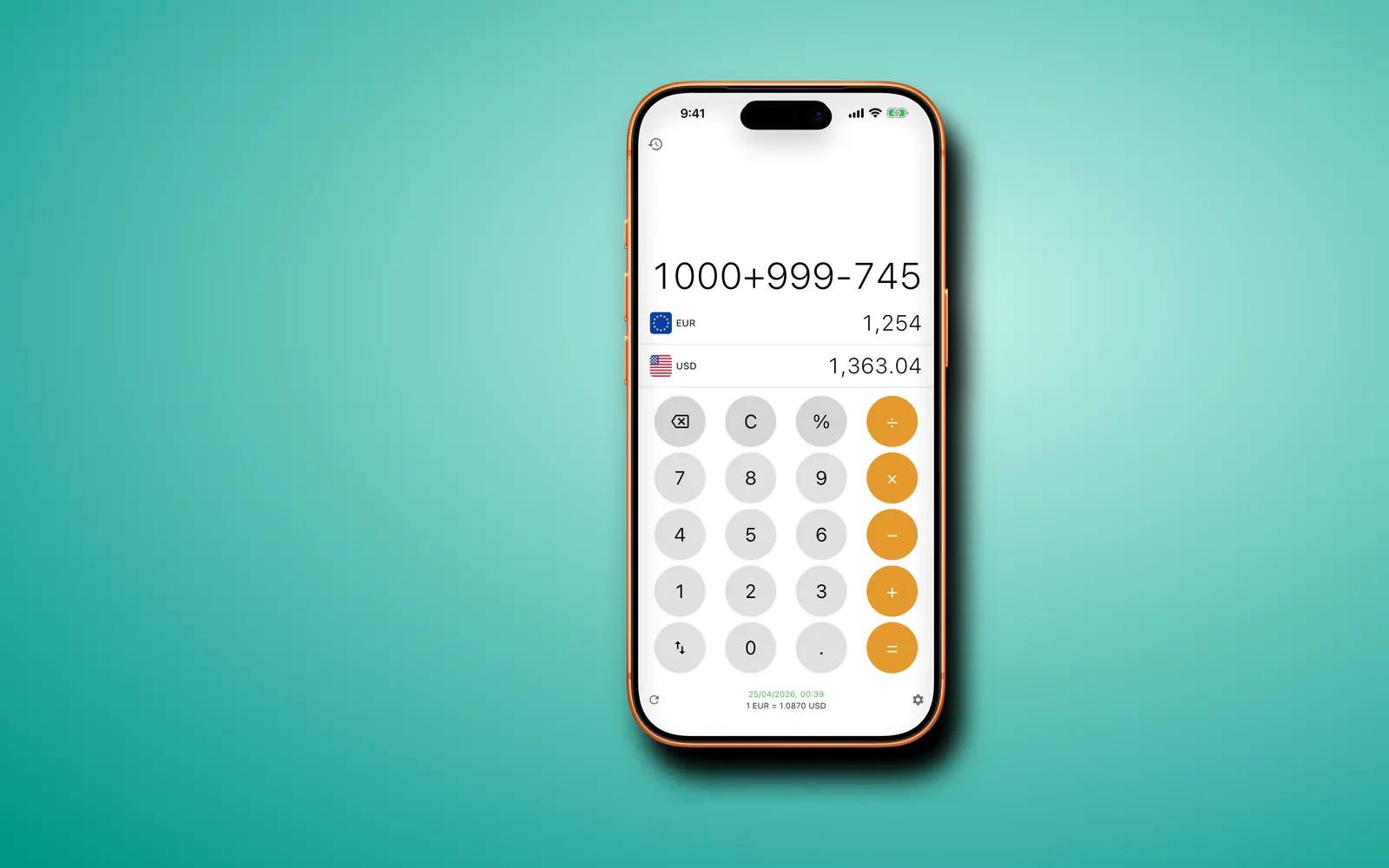
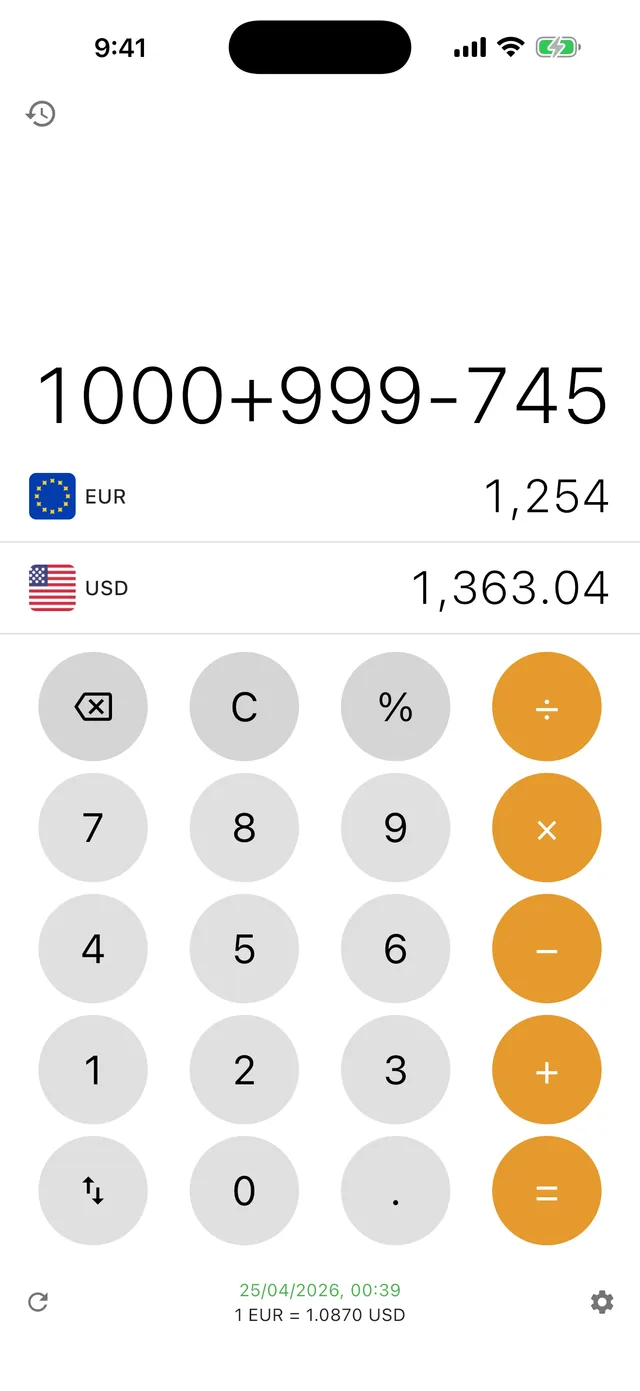
When you type an amount, the app multiplies it by the stored rate. Nothing is sent anywhere, so the answer appears as fast with no signal as on Wi-Fi. Sums work the same way: type 120+45+18 and both rows update as you go.
While you're online, the app checks for new rates every 4 hours, and the refresh button under the keypad fetches them on demand.
Set it up before you lose signal
- Install Currency Offline from the App Store or Google Play while you have a connection.
- Open it once on Wi-Fi or mobile data so it downloads the full set of rates.
- Check the date and time on the rate line under the keypad.
- With Premium, pick the currencies for your trip and star the ones you'll use as favorites.
- Switch on airplane mode and type a test amount. It should convert straight away.
How fresh are offline exchange rates?
As fresh as your last connection. Major currencies such as the euro, the pound and the yen usually move well under 1% in a day, so rates from this morning are fine for a menu, a taxi fare or a hotel bill. Fast-moving currencies and crypto can drift more, so refresh before a large purchase.
If the saved rates are more than 24 hours old, a banner appears: "Rates may be outdated. Tap to refresh." The converter keeps working with the old rates. It just tells you how old they are.
What works offline, free and Premium
Premium is a monthly subscription or a one-time lifetime purchase, bought in the app through the App Store or Google Play. See all questions about plans.
| Feature | Free | Premium |
|---|---|---|
| Offline conversion with saved rates | Yes | Yes |
| Calculator keypad (+ − × ÷ %) | Yes | Yes |
| Automatic refresh every 4 hours online | Yes | Yes |
| Currencies | One pair: your local currency and the US dollar | 170+ fiat and 45+ crypto |
| Search, favorites and recents | No | Yes |
| Conversion history | No | Yes |
| Ads | Banner ad | None |
Questions
What happens if I open the app for the first time with no connection?
It starts with a small set of fixed reference rates for 16 major currencies, so the converter isn't empty. They're fine for a rough idea, not for an exact price. Connect once to download the full set; after that everything works offline.
Does an offline currency converter use mobile data?
Conversions don't. With mobile data on, Currency Offline only uses the network to refresh rates every 4 hours or when you tap refresh, and the free version also loads its banner ad. Turn data or roaming off and it keeps converting with the saved rates.
How old can the saved rates get?
As old as your last connection. The rate line shows when they were fetched, and after 24 hours a banner suggests a refresh. The app never stops converting because rates are old.