How to use a currency converter app when you travel
You're at a market stall in Marrakech and the seller says 350 dirhams. A converter app answers the obvious question, what that is in your money, in a couple of seconds.
The useful part comes before and after that moment: getting the app ready while you still have Wi-Fi, using it to check card terminals and exchange counters, and keeping a record of what you spent.


Updated
Before you leave
- Install the app and open it on Wi-Fi so it saves current rates. After that it works offline.
- Check which currencies you need. The free version converts between your phone's local currency and the US dollar, or the dollar and the euro if your local currency is the dollar. Other destinations need Premium.
- With Premium, star the destination currency so it sits at the top of the list.
- Work out a round rate you can remember, for example "about 10 to 1". It helps you spot a wrong price before you even open the app.
At the till, the market or the taxi rank
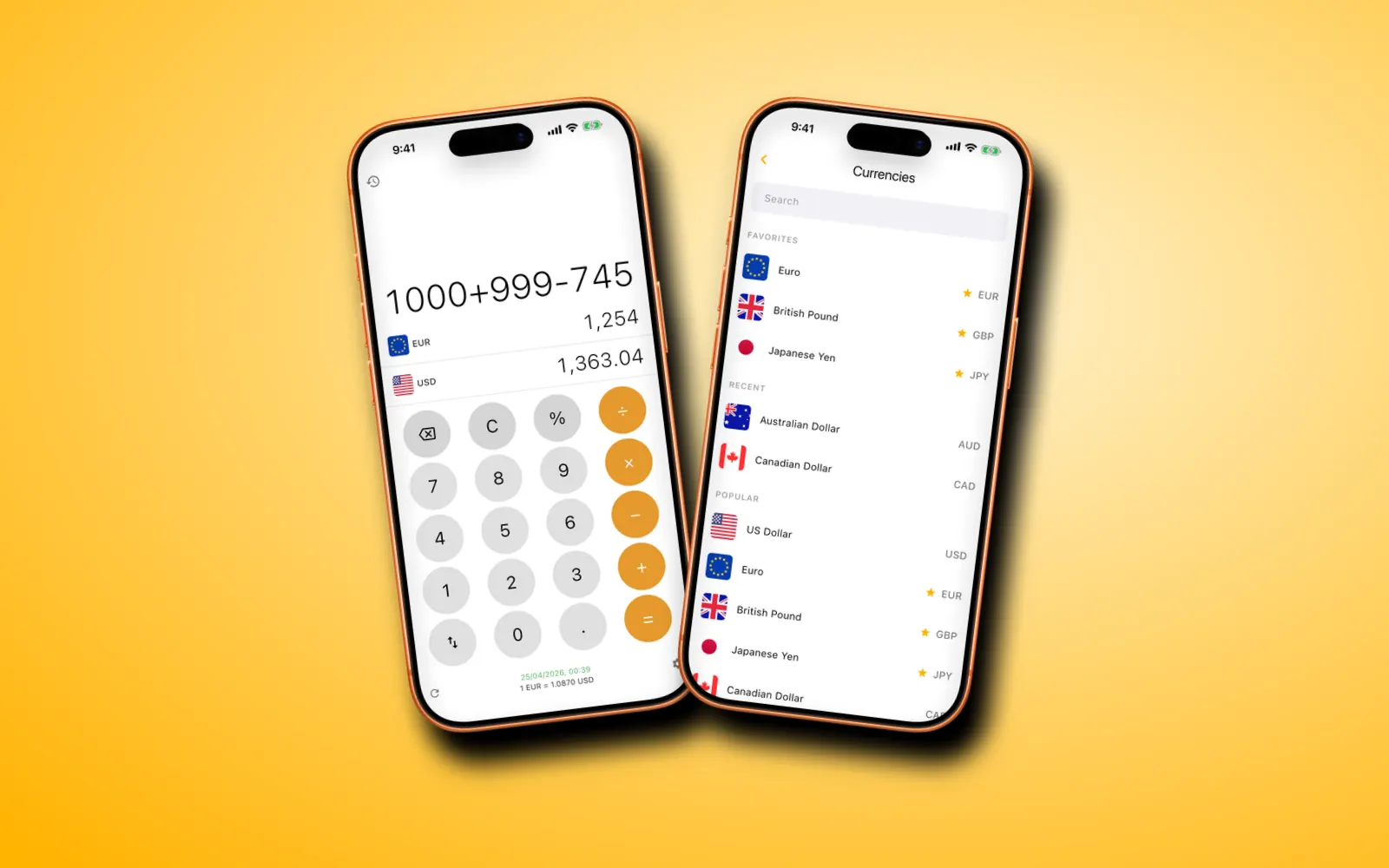
Type the price in the local currency and read the amount in yours on the second row. Several items? Add them as you go (35+12+8) and watch the total in both currencies.
For a tip or a discount, use the % key: 62+10% adds ten percent, 80−25% takes a quarter off. Our guides on calculating a tip abroad and splitting a bill go further.
When a card terminal offers your home currency
Many terminals and ATMs abroad ask whether to charge you in the local currency or in your own. This is called dynamic currency conversion: if you pick your own currency, the merchant's payment provider sets the exchange rate, and that rate usually includes a margin.
Use the converter to check. Type the local price and compare it with the home-currency amount on the terminal screen. If the terminal's figure is more than a couple of percent higher, choose the local currency and let your own card do the conversion.
At exchange counters
A counter's rate is the reference rate minus its margin. Divide what they'd give you by what you'd hand over, then compare that with the rate in the app. City-center bureaus often take a few percent; airport counters usually take more. Our guide to converting by hand shows the sum.
Keeping track of what you spent
With Premium, each finished sum goes into history with both amounts, the rate used and the time. Back home, that list makes it easier to match card statements or fill in an expense claim.
The app's rates are reference rates. Your bank applies its own rate and any foreign transaction fee, so the statement can differ by a little.
Questions
Should I pay in local currency or my home currency abroad?
Usually local currency. When a terminal offers to charge you in your home currency, the merchant's provider picks the rate and often adds a margin. Compare its figure with your converter, and if it's clearly higher, choose local.
Does the free version cover my destination?
It covers one pair: your phone's local currency and the US dollar, or the dollar and the euro if your local currency is the dollar. That's enough for trips to the US, or to Europe from the US. Other currencies need Premium.