Currency calculator: do the sum and the conversion in one go
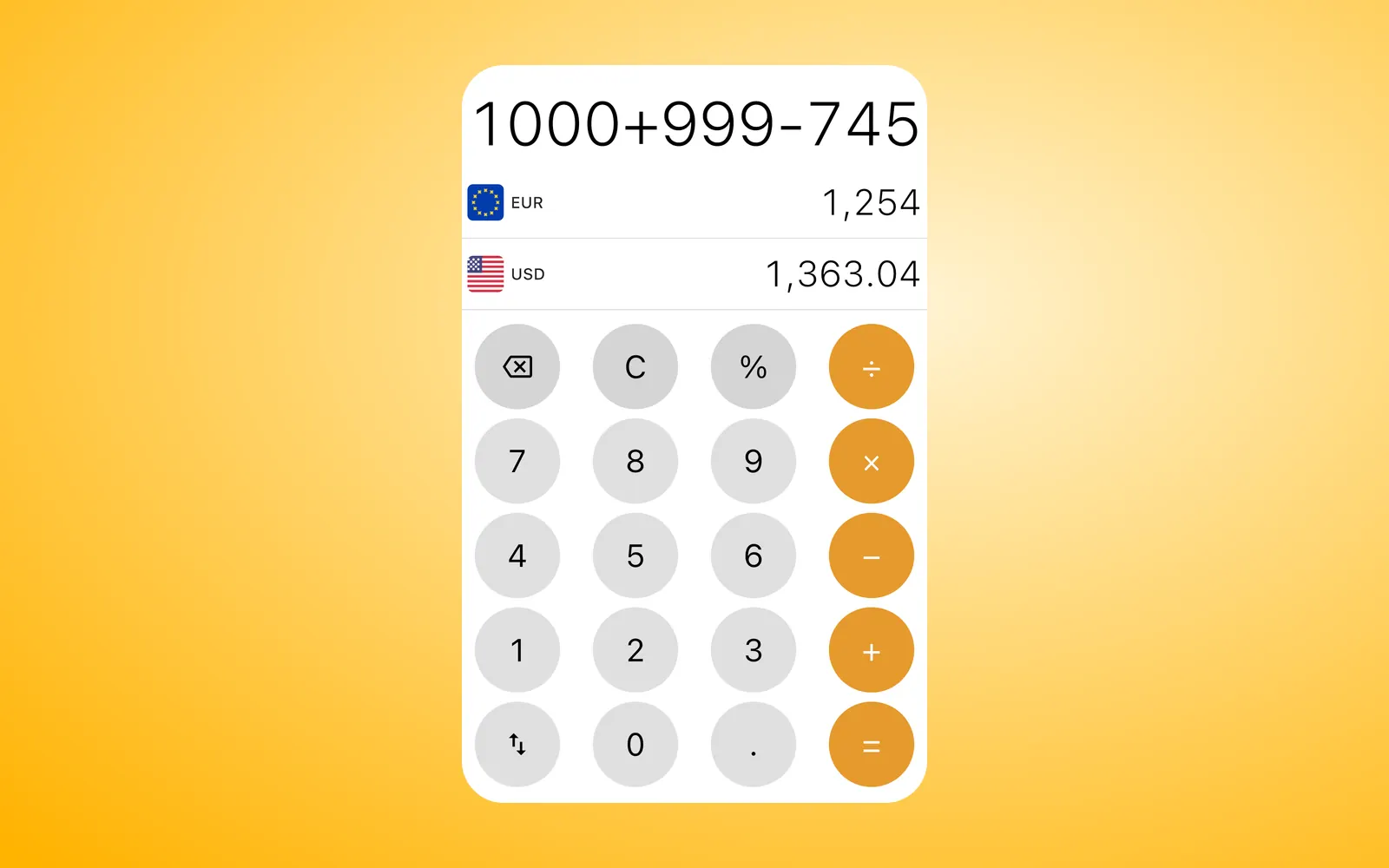
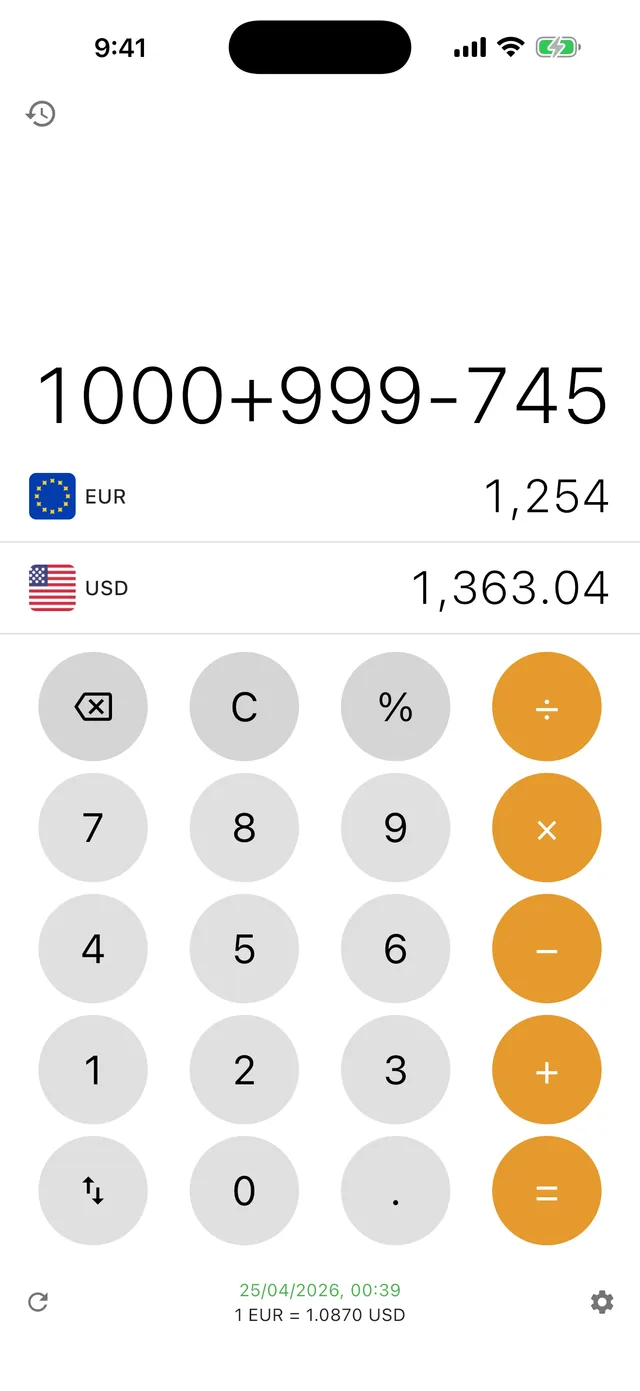
A plain converter takes one number. Currency Offline takes a sum. Type 120+45+18 for three receipts, 4500+15% for a bill with a tip, or 980÷4 to split a rental four ways, and the answer appears in both currencies while you type.
It runs on the phone with saved rates, so you can use it at the till with no signal.


Updated
What the keypad does
- +, −, × and ÷ follow the usual order of operations: 10+2×3 gives 16.
- % works like a pocket calculator: 200+10% is 220, 500−25% is 375 and 80×15% is 12.
- After =, pressing an operator carries on from the result, so 4500+15% = then ÷3 = gives 1,725.
- C clears the sum, backspace removes the last character, and the swap key flips the two currencies.
- Long-press the screen to copy the result, paste a number or swap everything.
Worked examples
Each result also shows in the second currency on the row below, at the saved rate. Swap the rows if you'd rather type in your own currency and see the local price.
| Task | Type | Result |
|---|---|---|
| Add three receipts | 120+45+18 = | 183 |
| Bill plus a 15% tip | 4500+15% = | 5,175 |
| 25% off a price | 80−25% = | 60 |
| Just the tip on 62 | 62×10% = | 6.20 |
| Split a rental four ways | 980÷4 = | 245 |
| Add a tip, then split three ways | 84+10% = then ÷3 = | 30.80 |
Converting while you calculate
Both rows update on every key press. You see the running total in the local currency and in yours, so it's easy to stop adding items once you hit a budget.
The rate in use sits under the keypad with the time it was fetched. With Premium, each sum you finish with = goes into your conversion history with both amounts and the rate, which helps when you fill in an expense claim later.
Free or Premium
The keypad is the same in both. The free version converts between your local currency and the US dollar (the dollar and the euro if your local currency is the dollar). Premium lets you pick any of the 170+ currencies and 45+ cryptocurrencies, adds history and removes the banner ad. It comes as a monthly subscription or a one-time lifetime purchase.
Questions
Does the currency calculator follow the order of operations?
Yes. × and ÷ are worked out before + and −, so 10+2×3 gives 16. There are no brackets, so to add a tip and then split, press = after the tip and carry on with ÷.
How does the % key work in Currency Offline?
Like on a pocket calculator. 200+10% adds 10% of 200 and gives 220, 500−25% takes a quarter off and gives 375, and 80×15% gives 15% of 80, which is 12.